01
How you receive tickets
What information the customer needs to provide, what ticket types you use, and who triages them.
 Pro
Pro
The best fsDesk Pro demo starts with a few sentences about how you handle tickets today. From there, we can focus on the features that actually matter to your team.
Contact us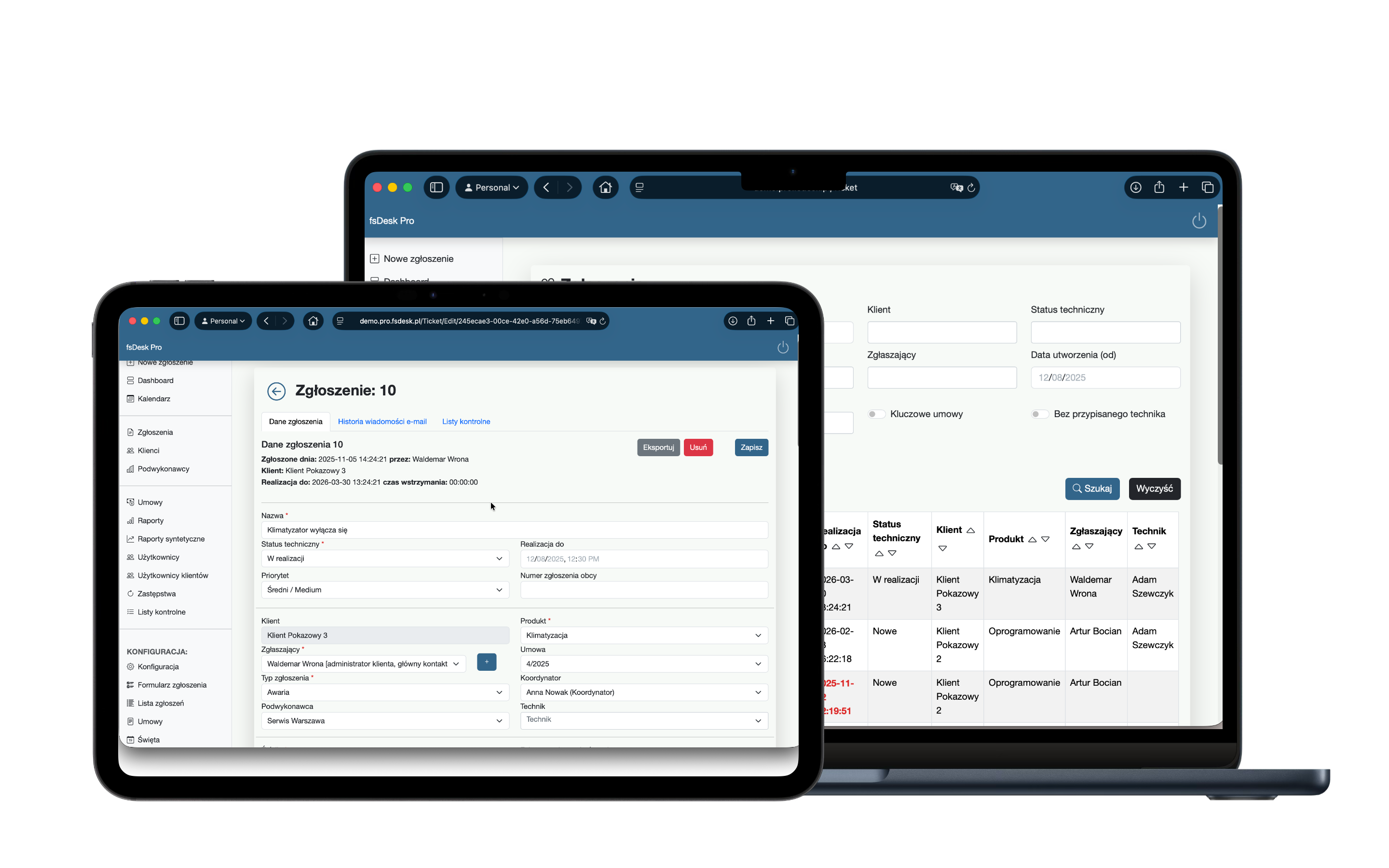
What information the customer needs to provide, what ticket types you use, and who triages them.
Which deadlines are critical and whether they differ by customer or service type.
Technicians, coordinators, customers, subcontractors, and people responsible for time billing.
Fields, ticket types, statuses, and permissions.
Response and resolution deadlines aligned with contract terms.
Ticket history, notes, activities, and time tracking.
The information available outside the service team.
You do not need to prepare a specification. A short description of your team, customers, and key requirements is enough.
The Frigg Systems contact form will open on a separate page.